

Manually Opting In a Lead
There are multiple ways to opt in a lead inside Channel Automation. We do not auto opt in a lead by default. However it is possible to set up using triggers to auto opt in a lead to SMS and Email.
We will go over how to manually opt a lead in the most basic fashion.
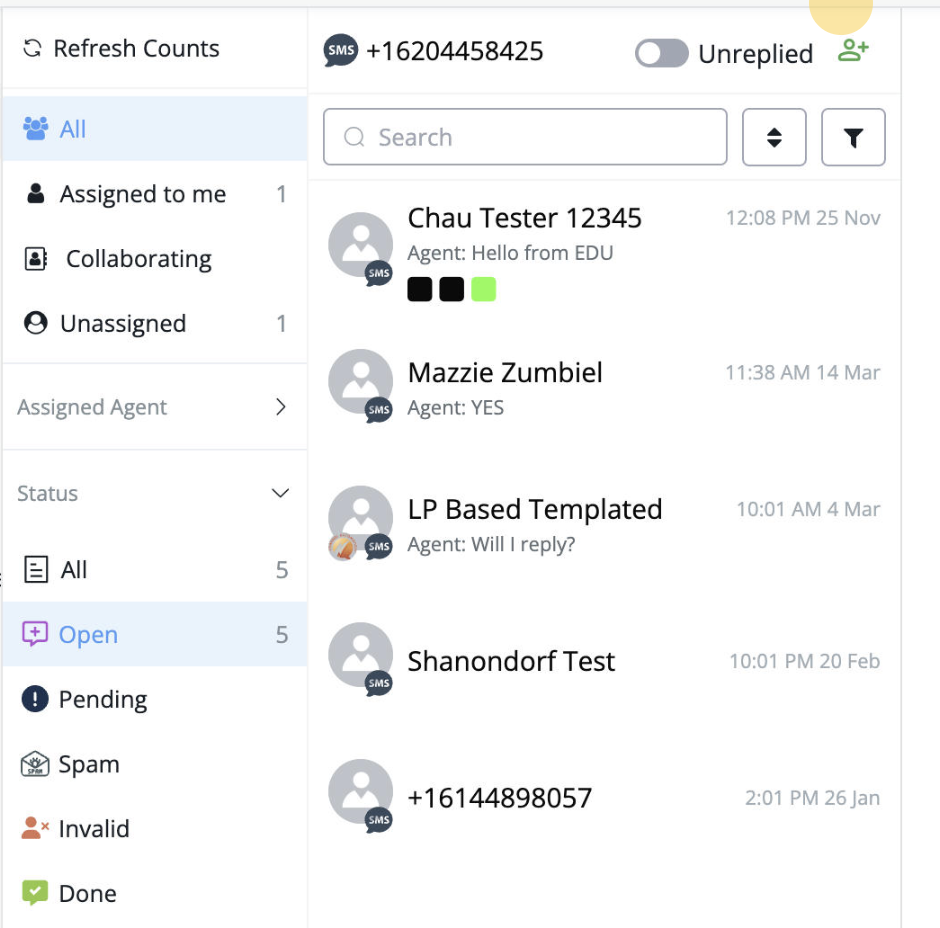
Add your contact’s information using the Green Add Person Icon
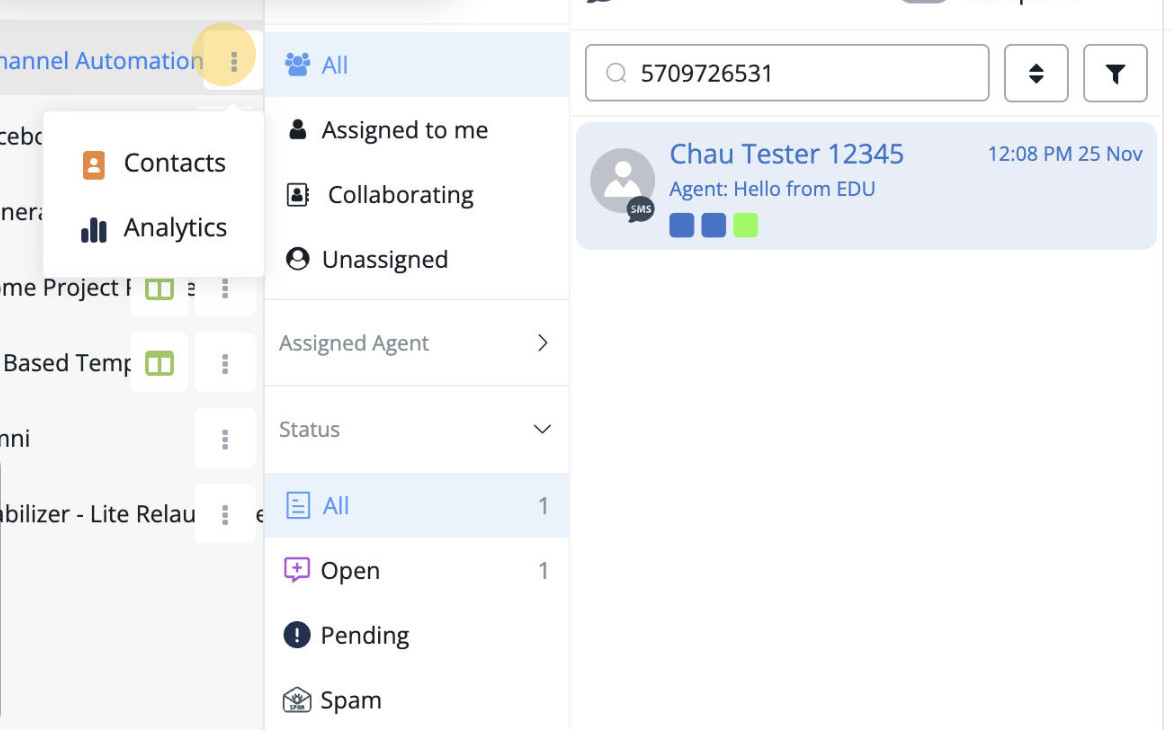
Click on this drop down to get access to the contacts section
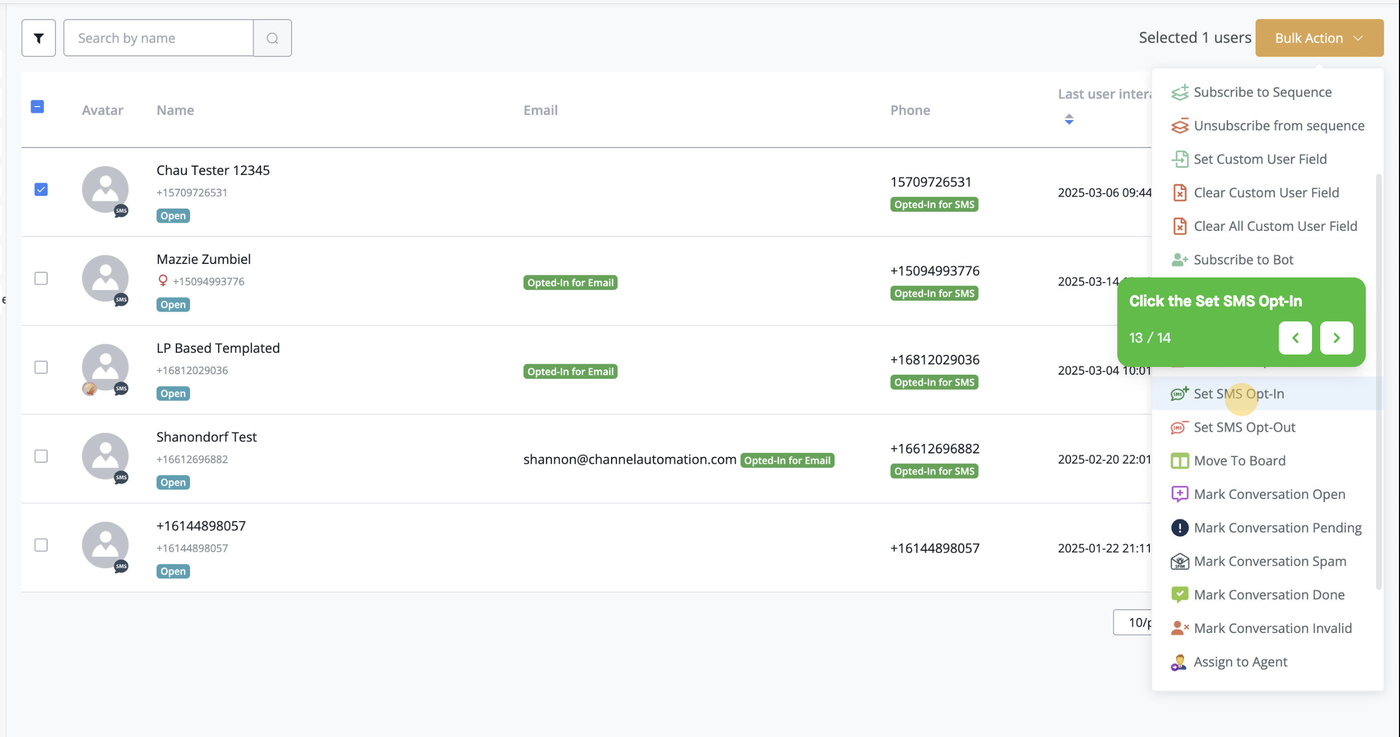
Select your contact and select bulk action, clicking Set SMS Opt-in
Once you’ve opted in the lead you are able to send text messages to them. To send email, repeat the same steps but select Email Opt in.
